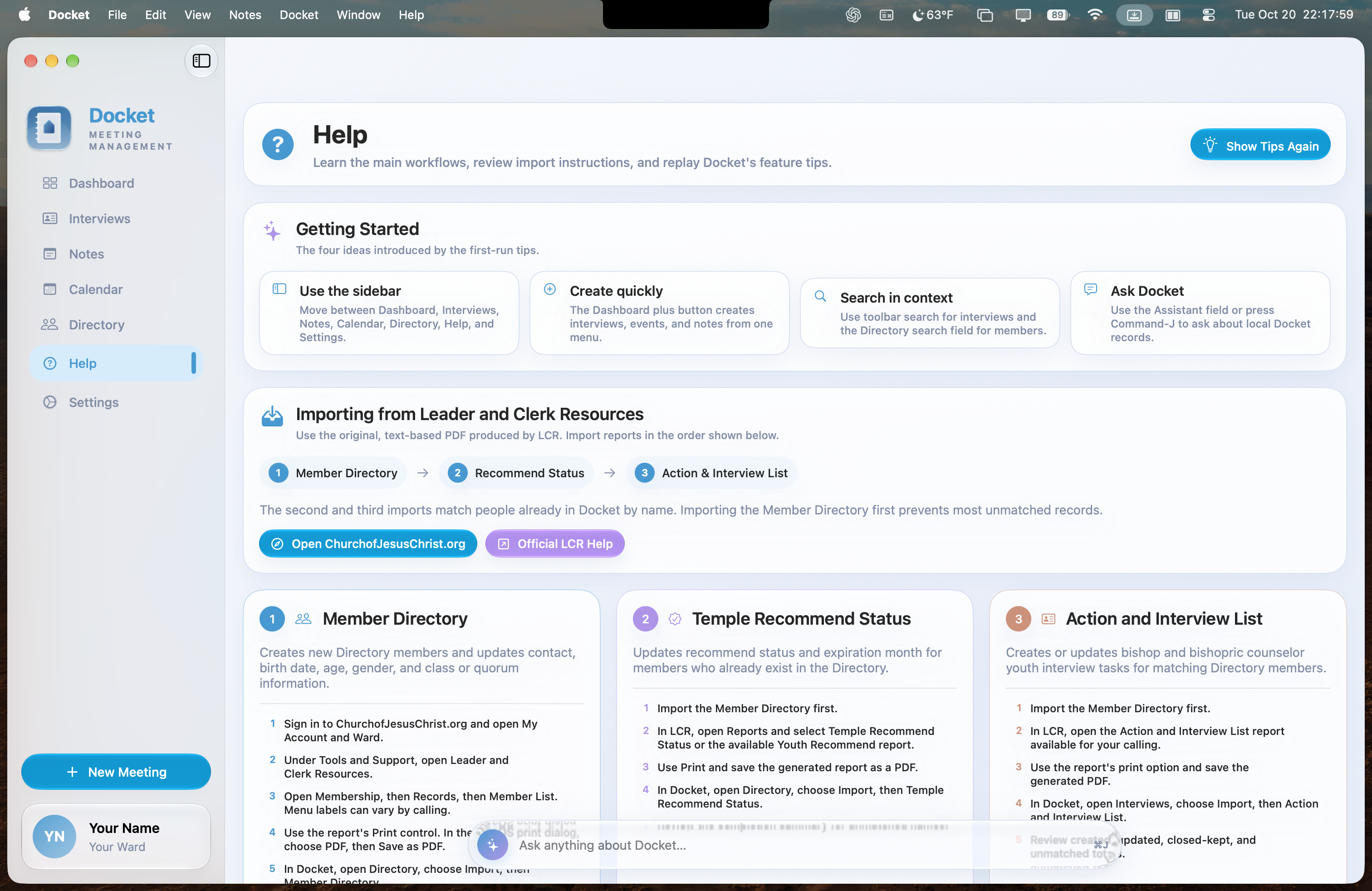
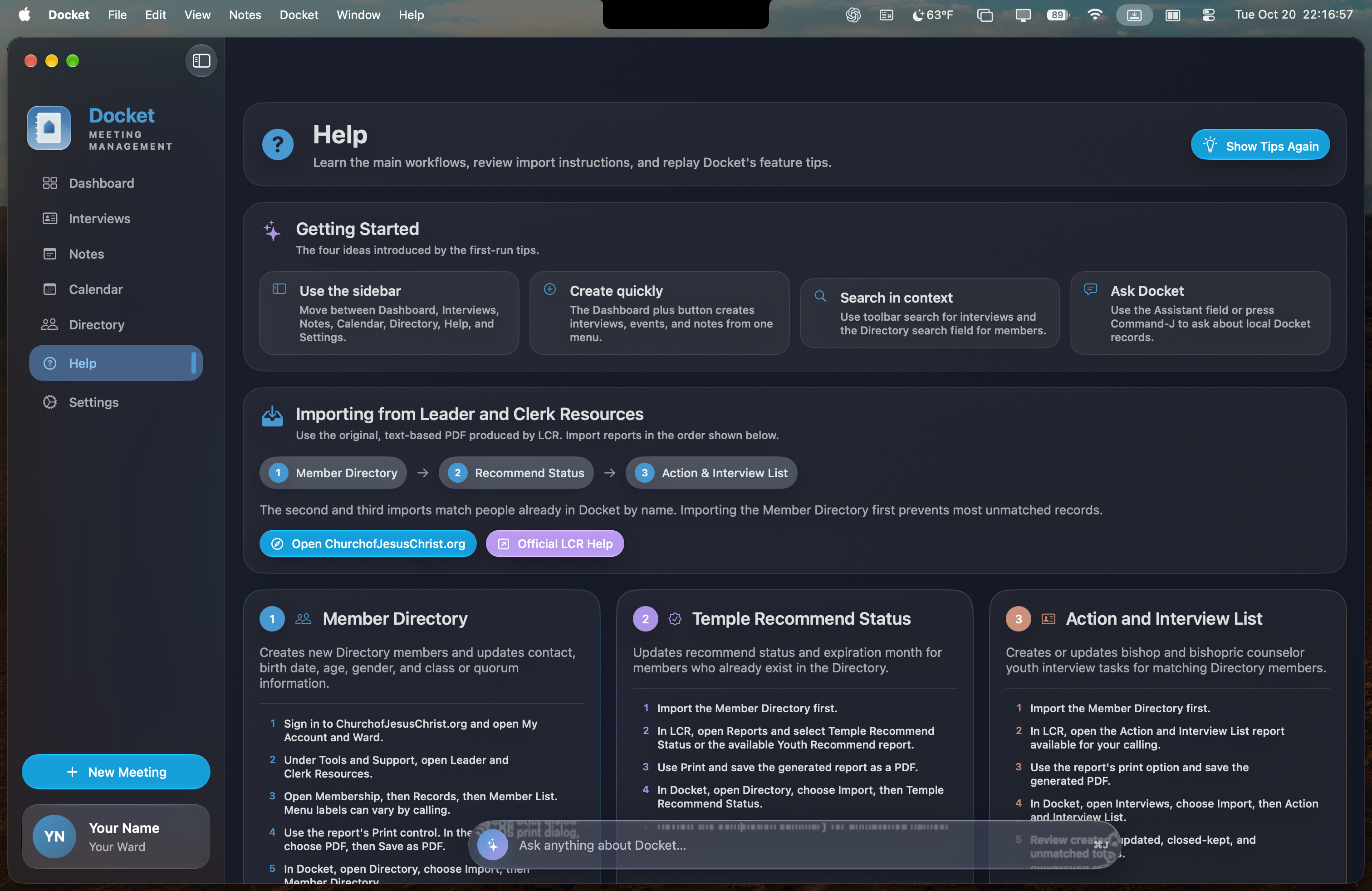
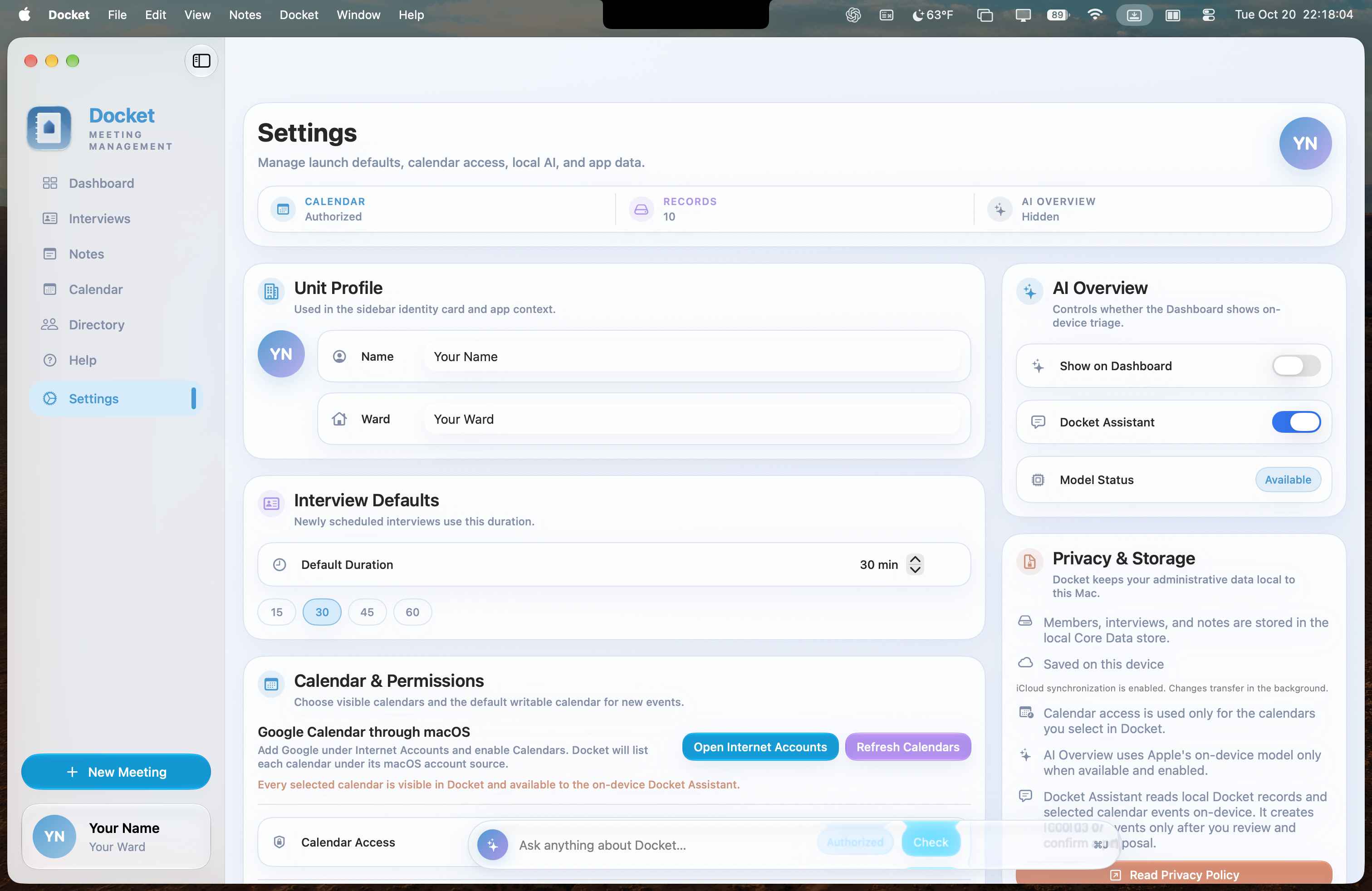
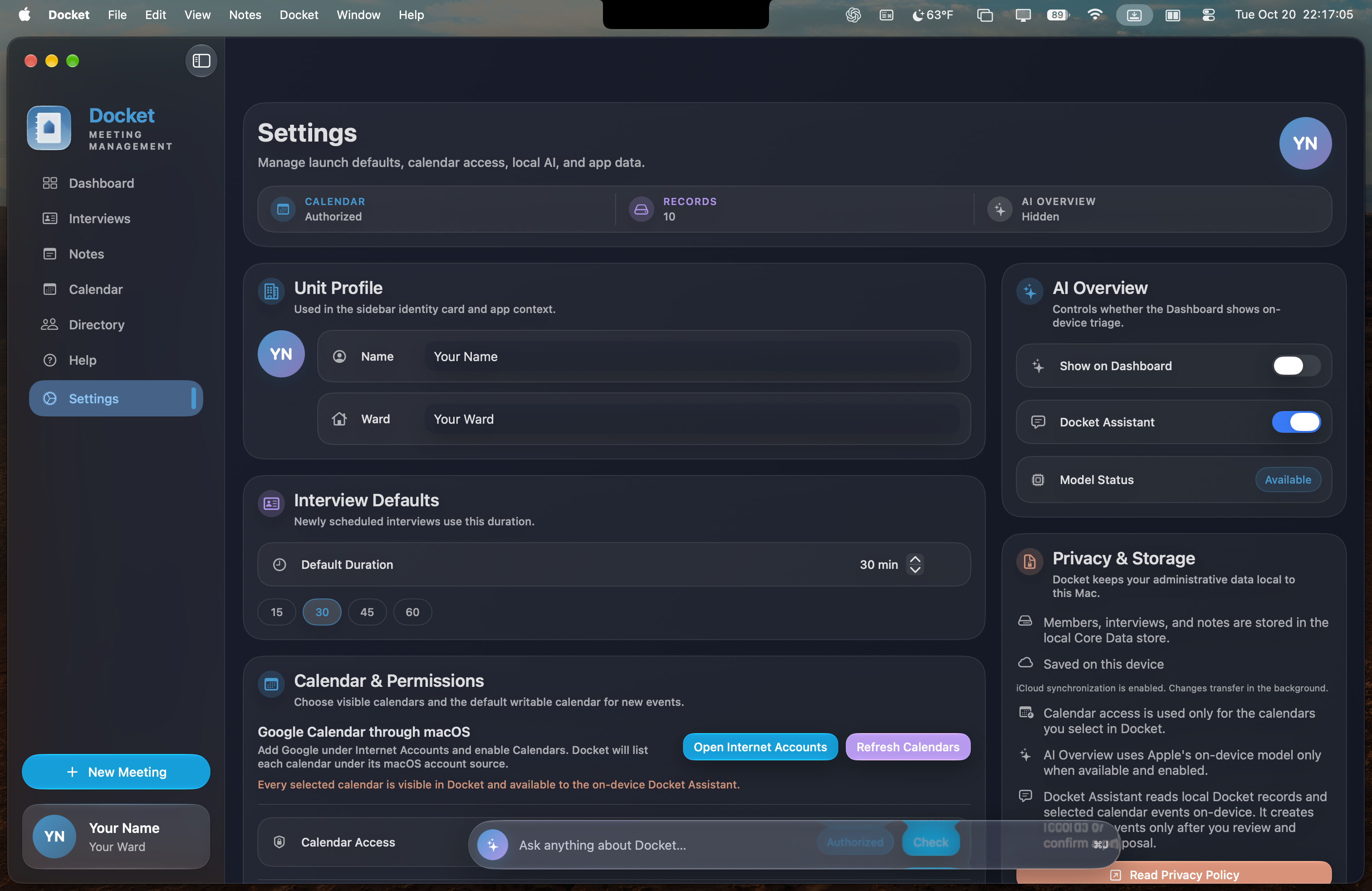
Care for the people,
not the paperwork.
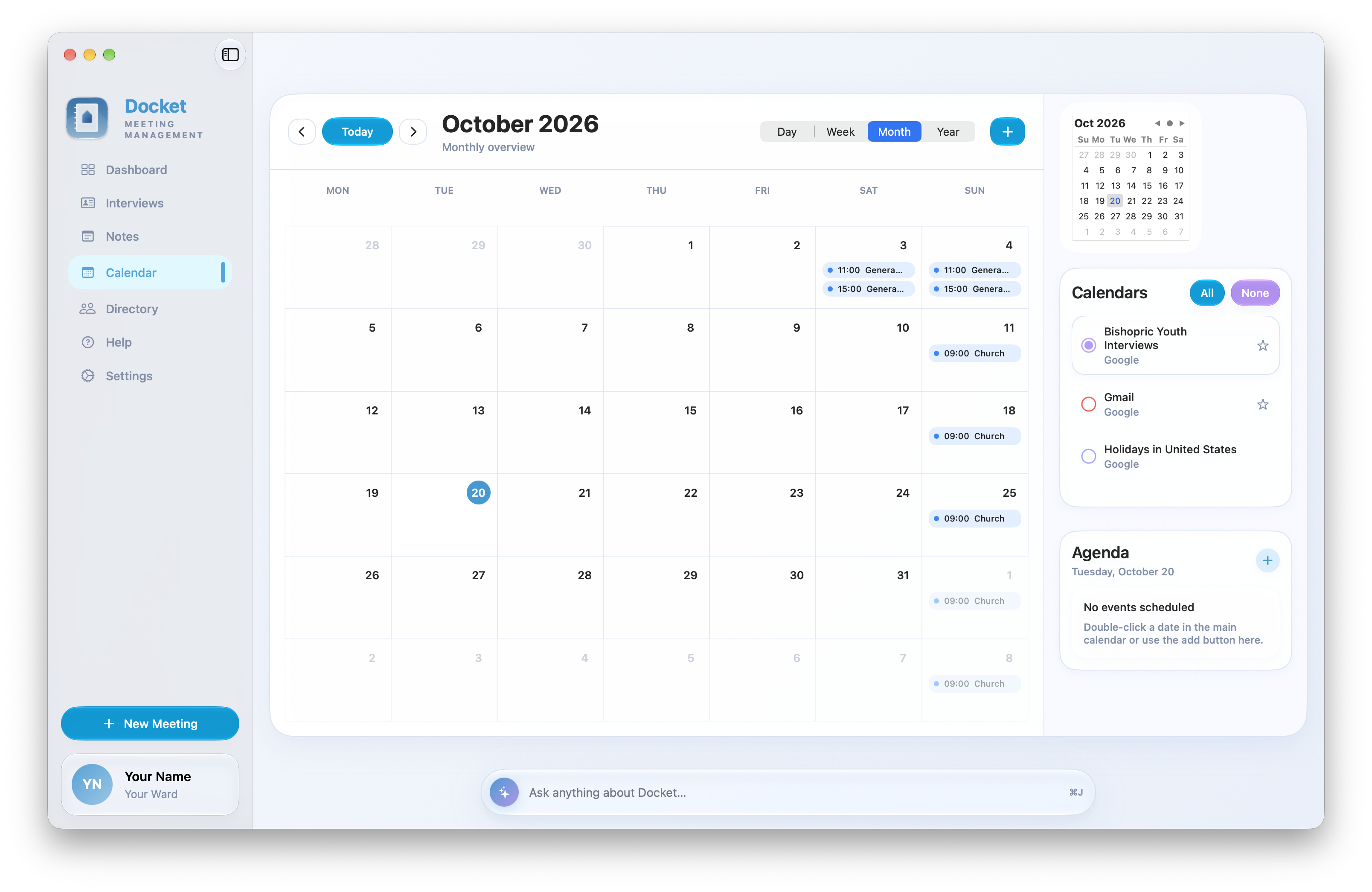
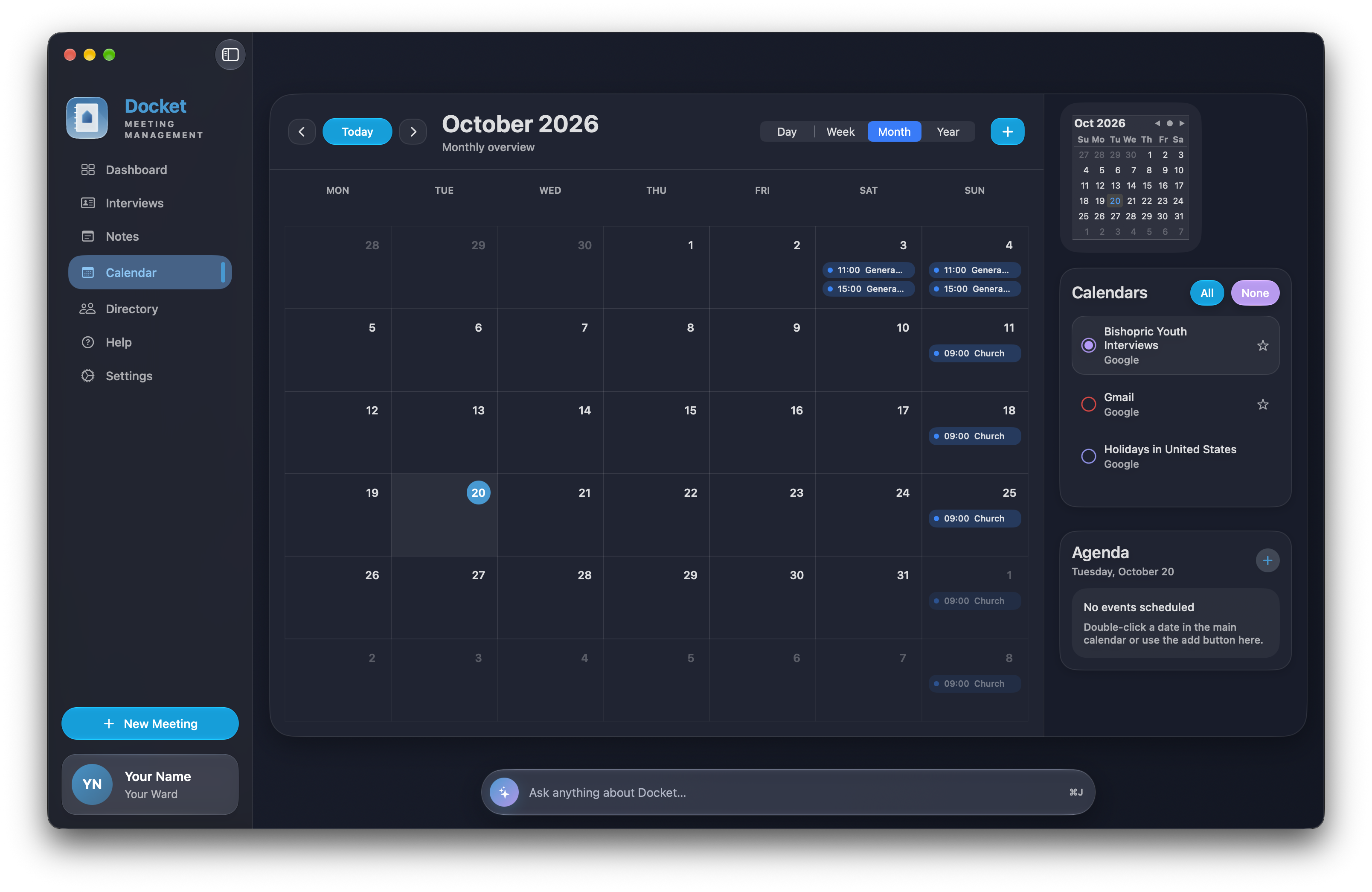
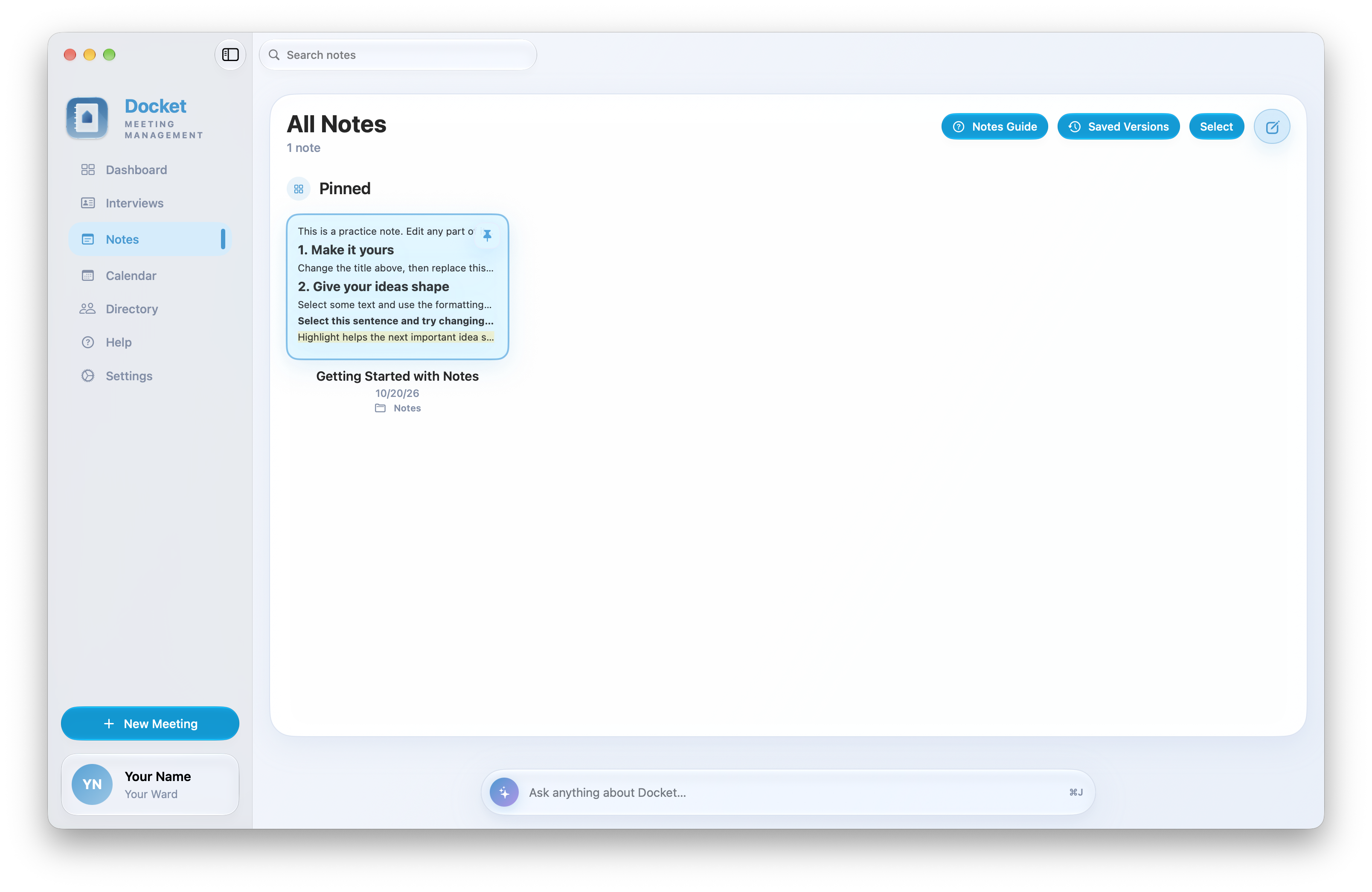
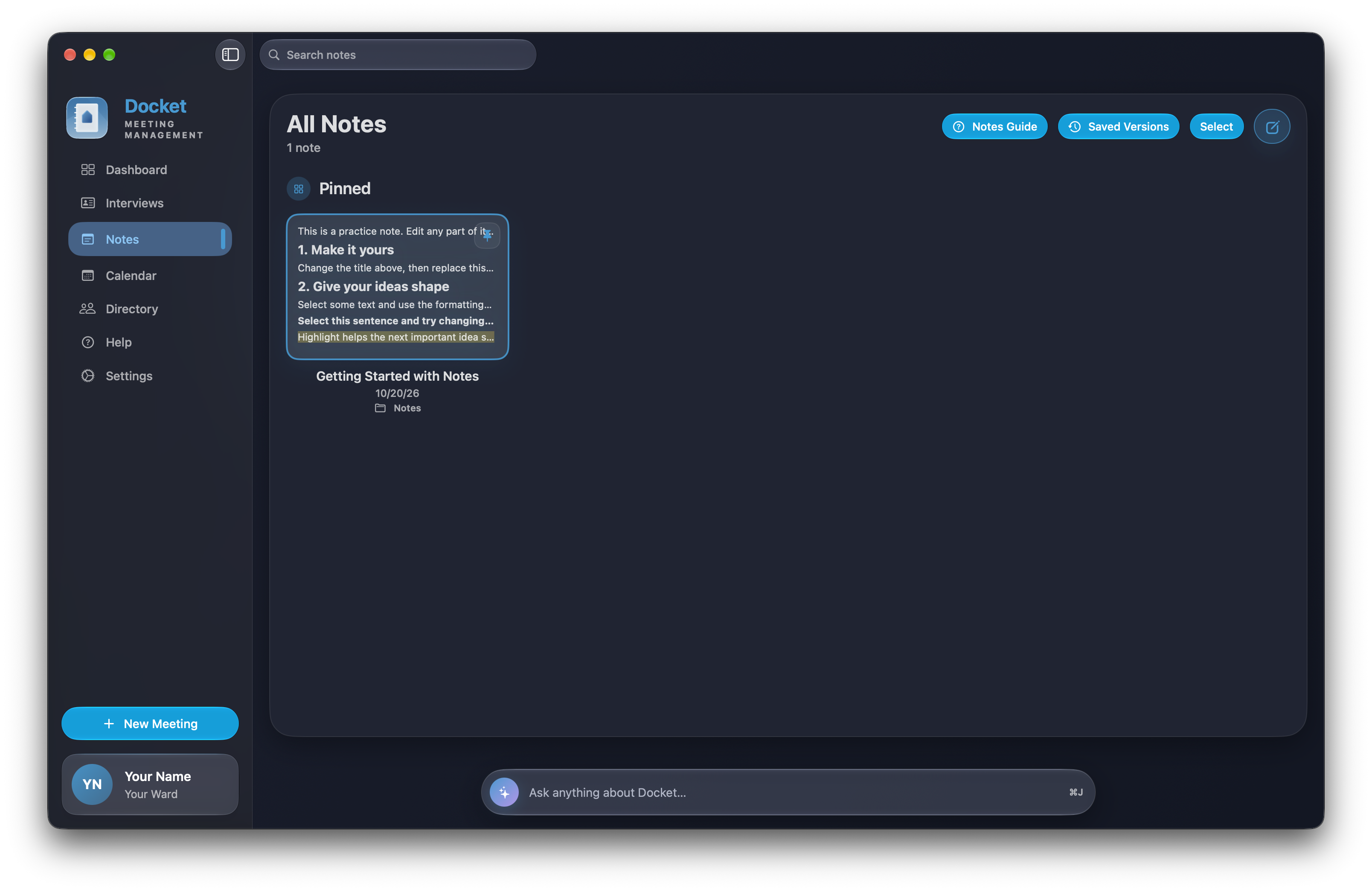
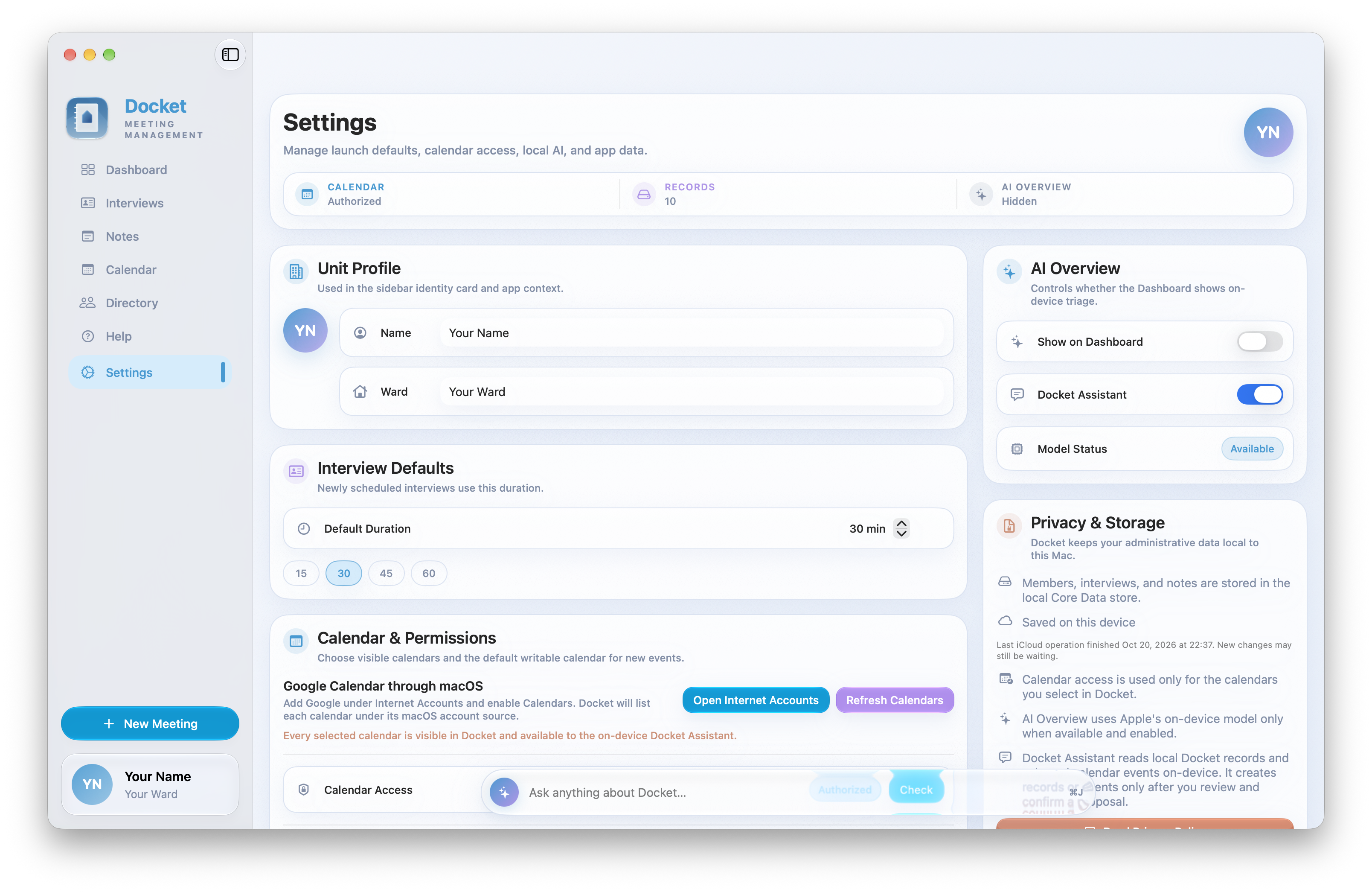
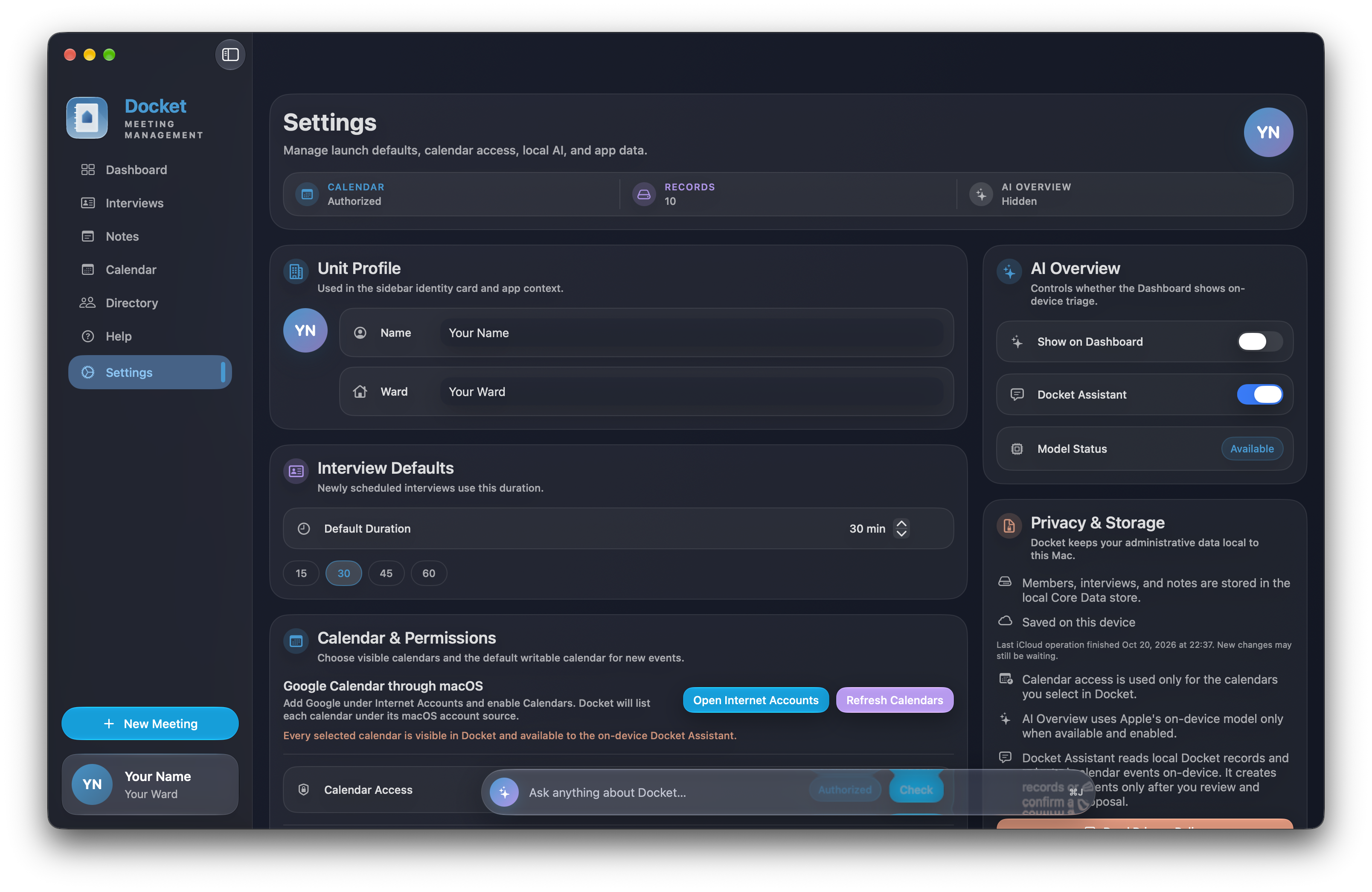
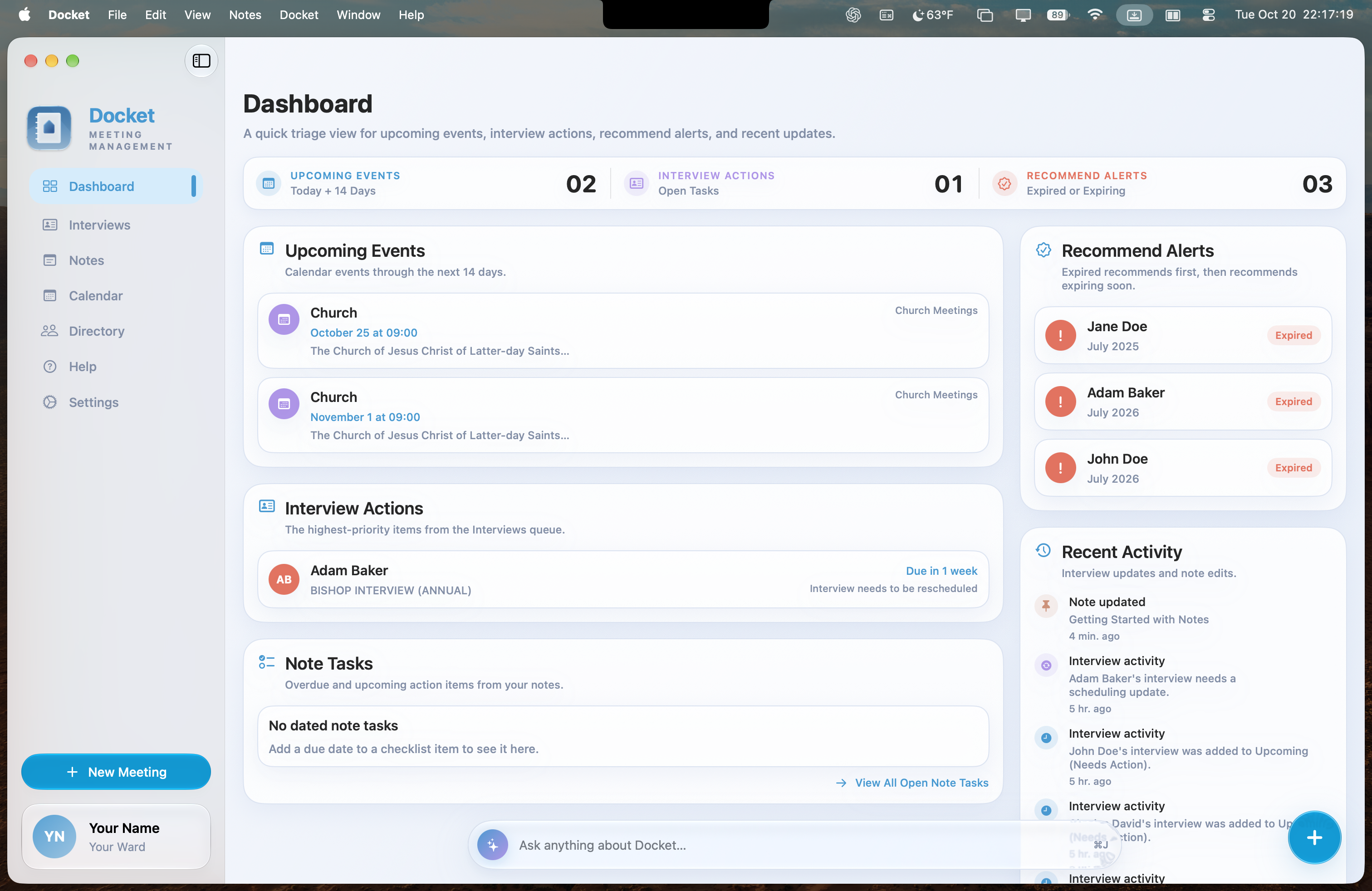
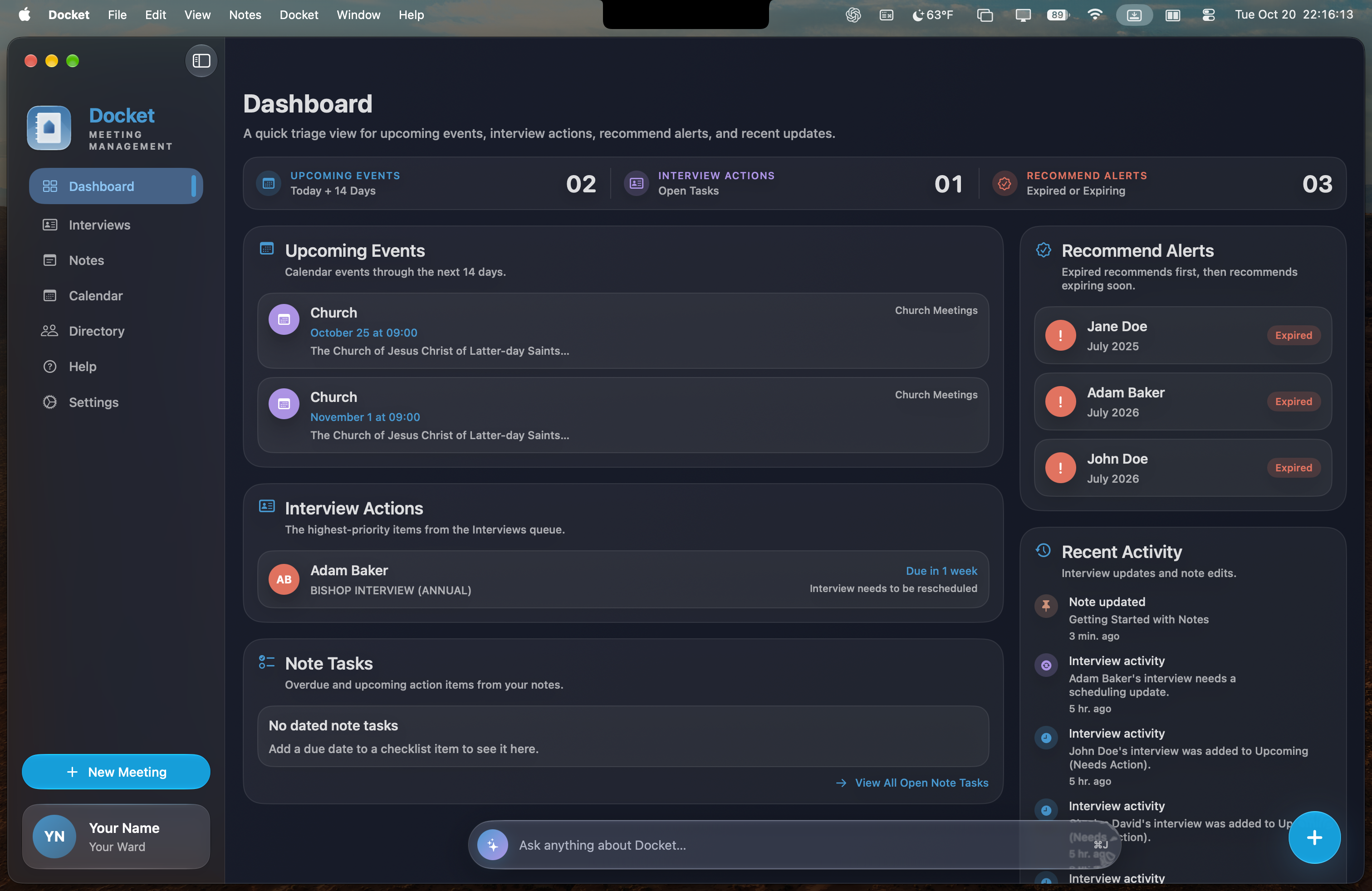
Docket brings meetings, interviews, calendars, notes, and follow-ups together in one private Mac workspace—so you can prepare well and care with confidence.

The work of ward leadership.
Finally in one place.
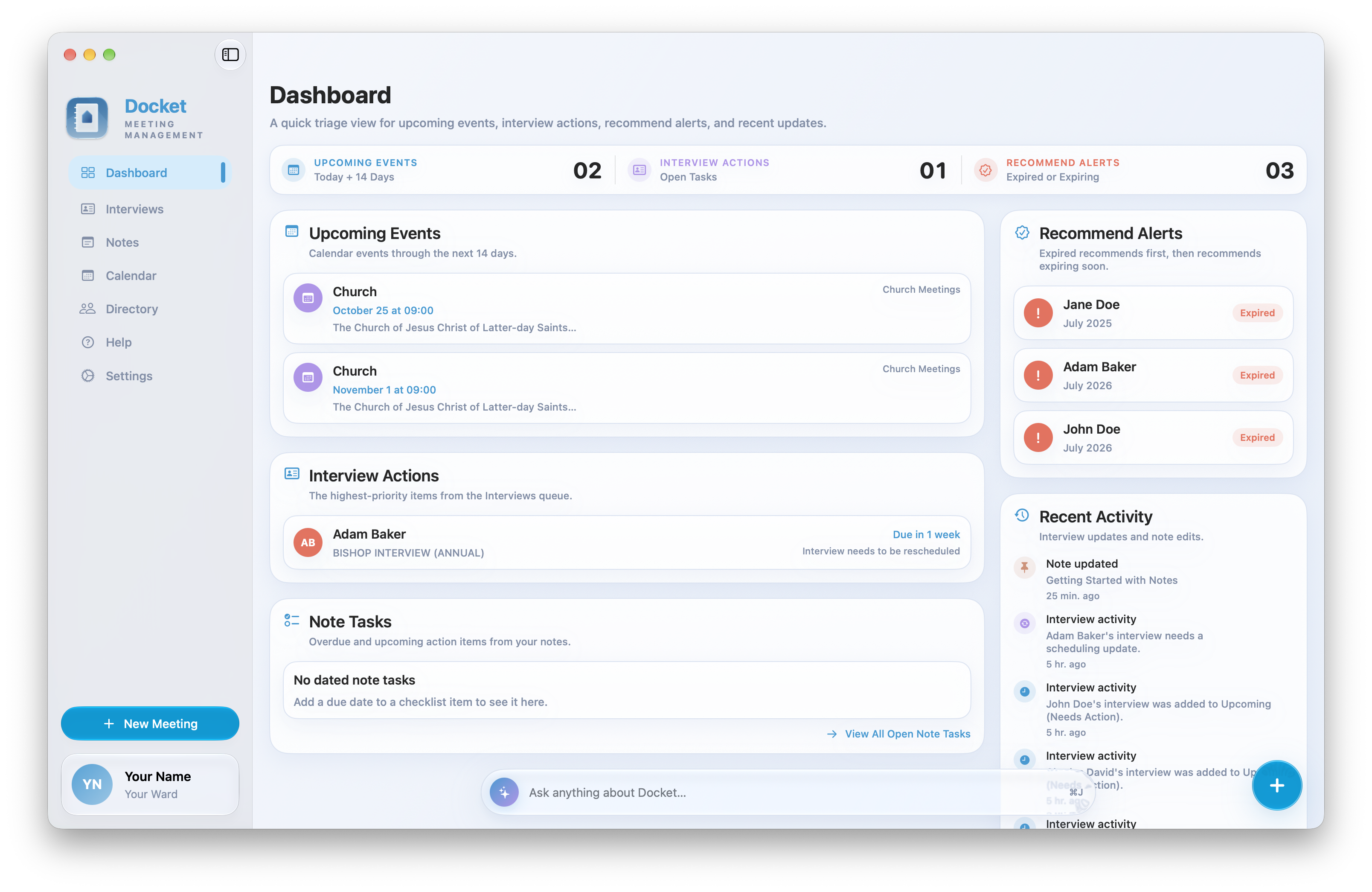
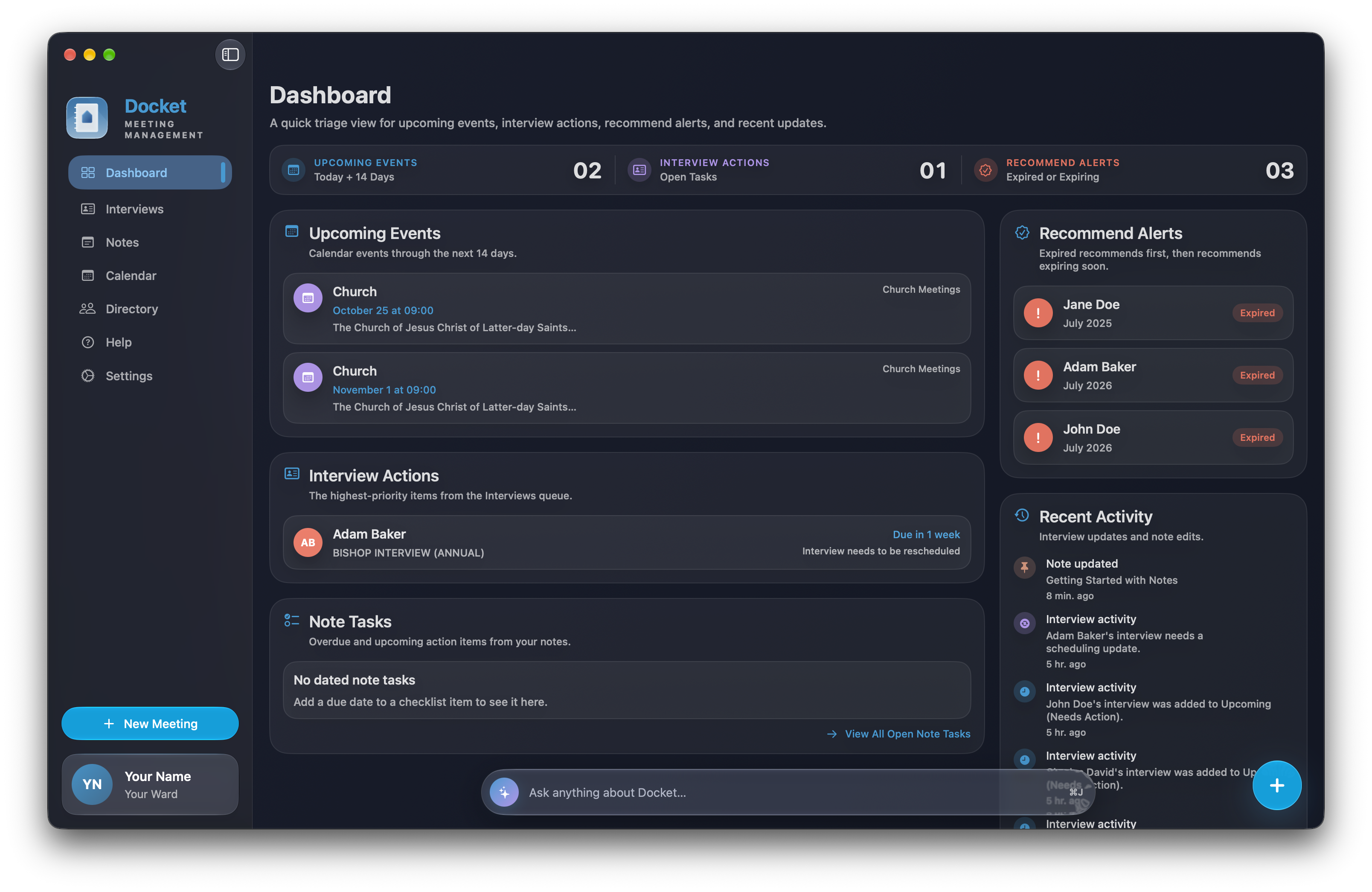
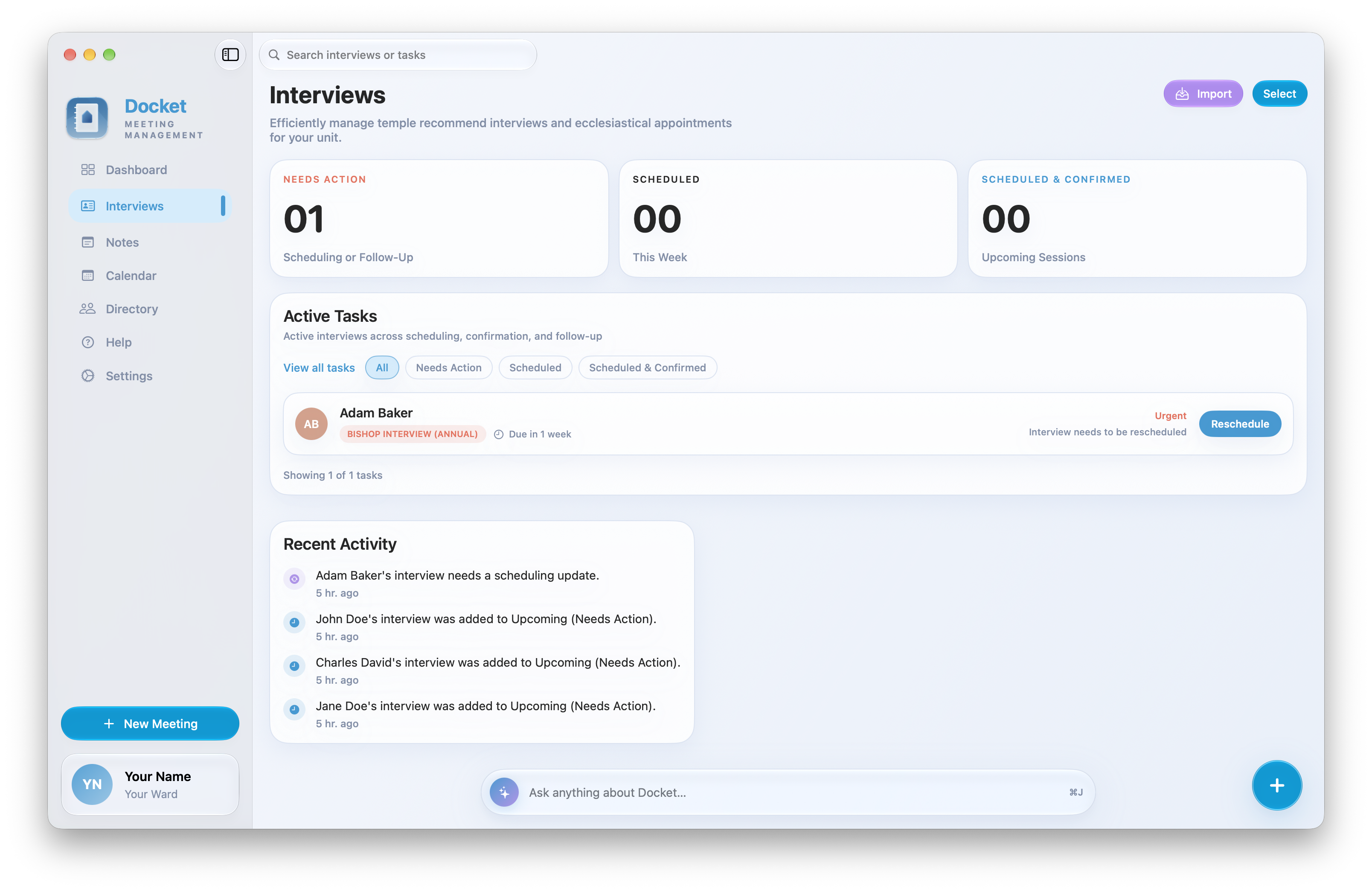
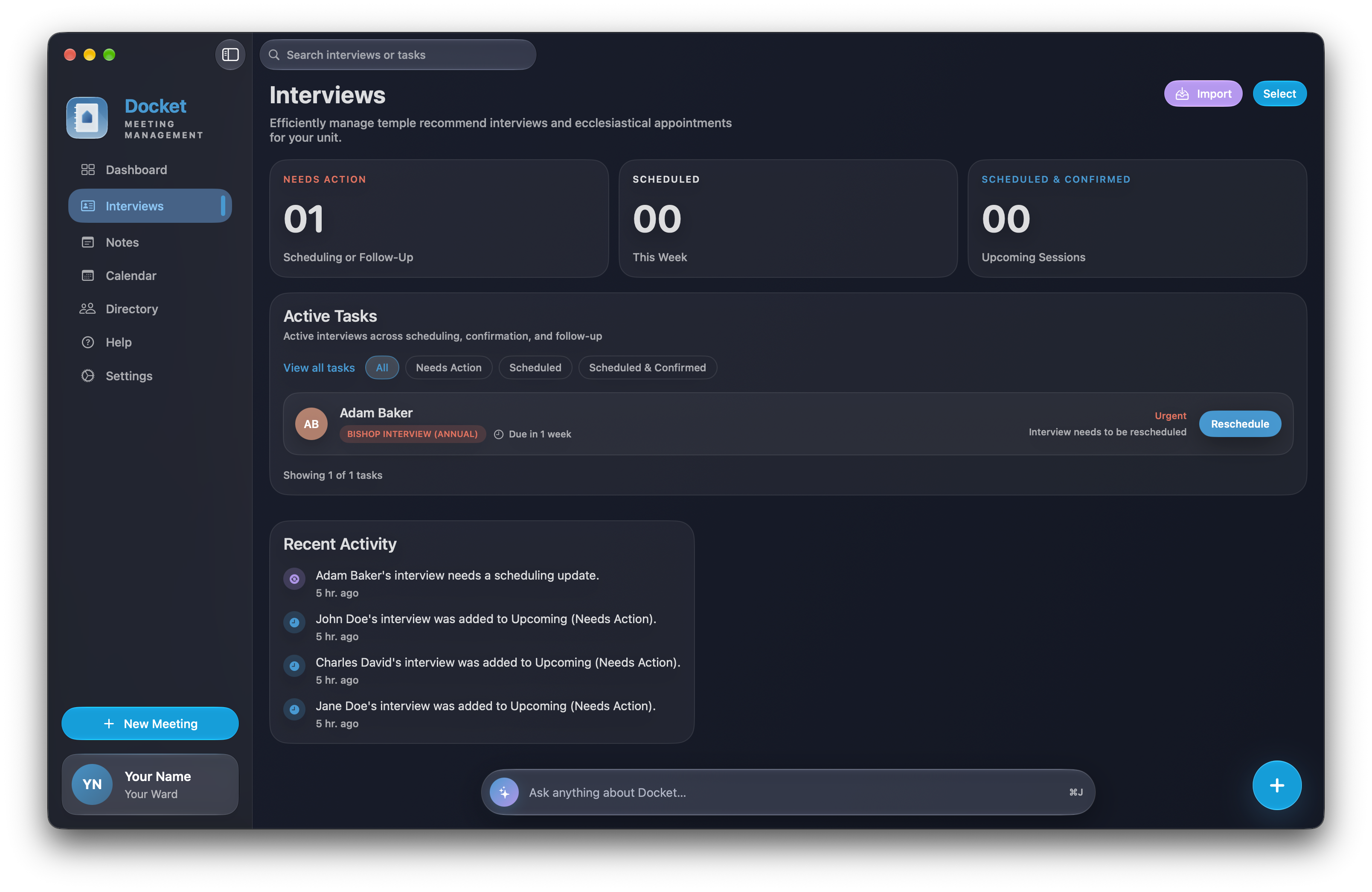
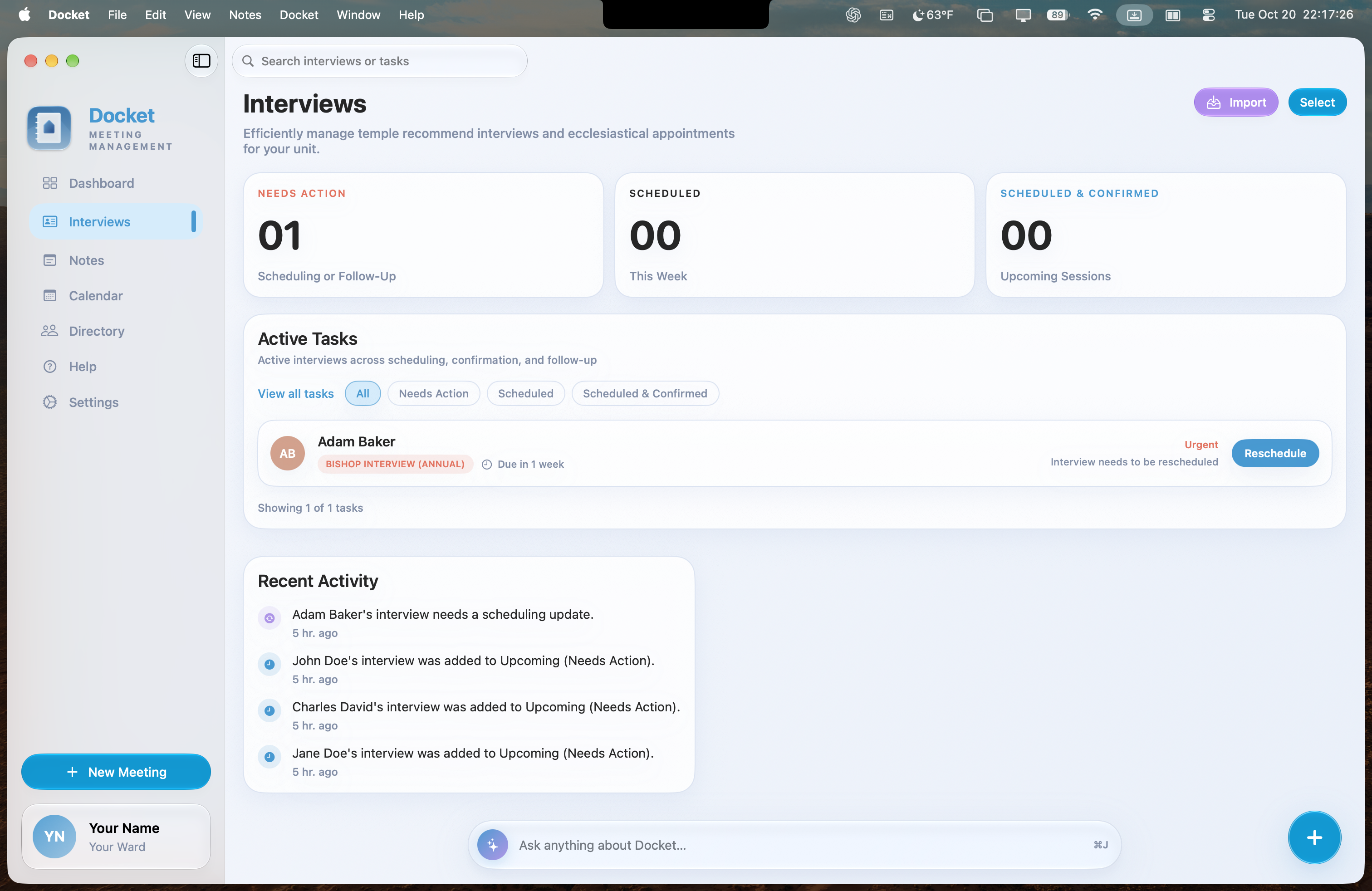
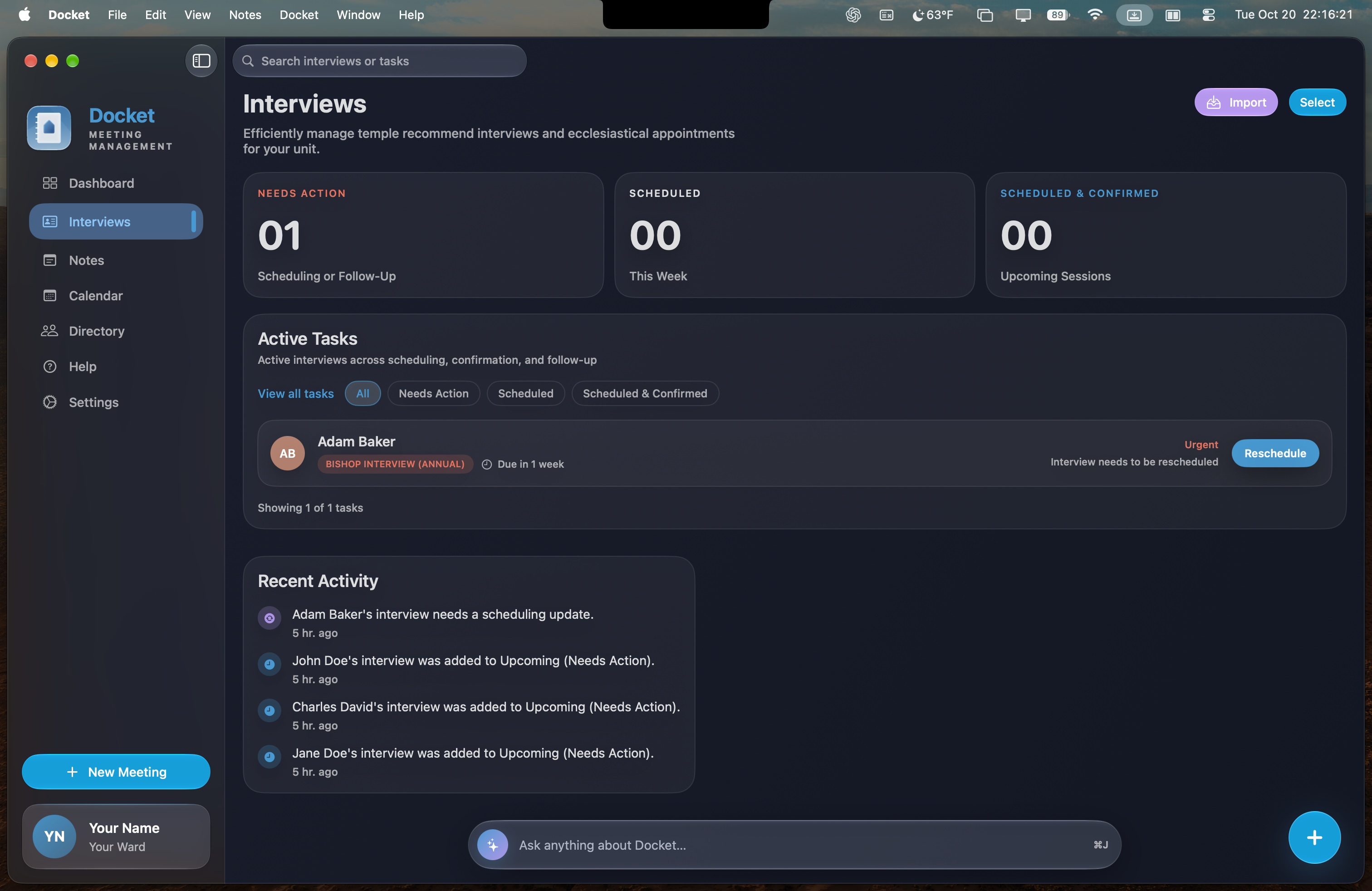
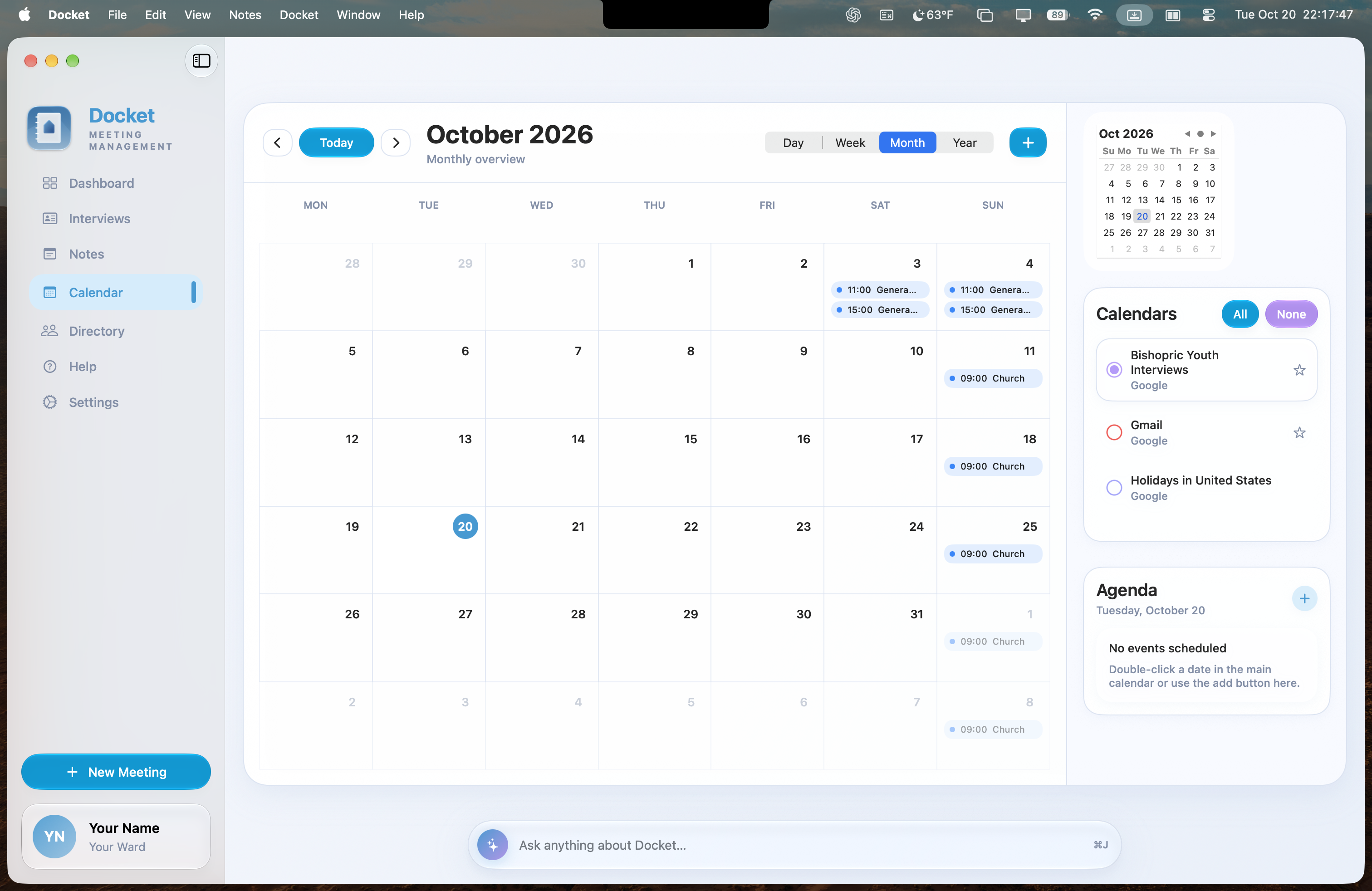
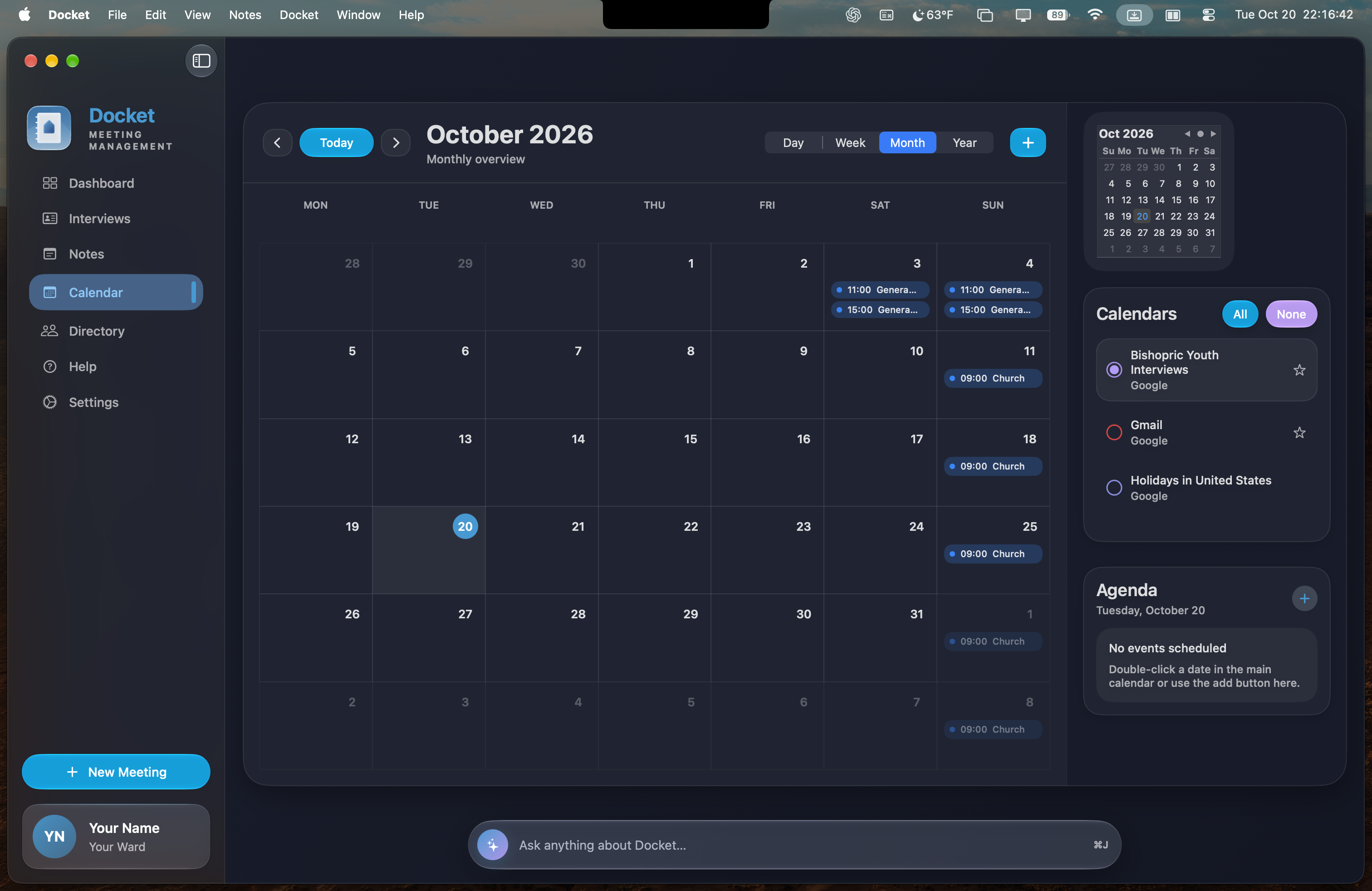
Leave the scattered notes, separate calendars, and disconnected lists behind. Docket gives your bishopric one clear view of what is next, what needs action, and what is already handled.
The essentials for today.
Thoughtful help for what is next.
Everything in Docket is included for free—from the practical tools that organize the week to the on-device intelligence that helps you understand it.
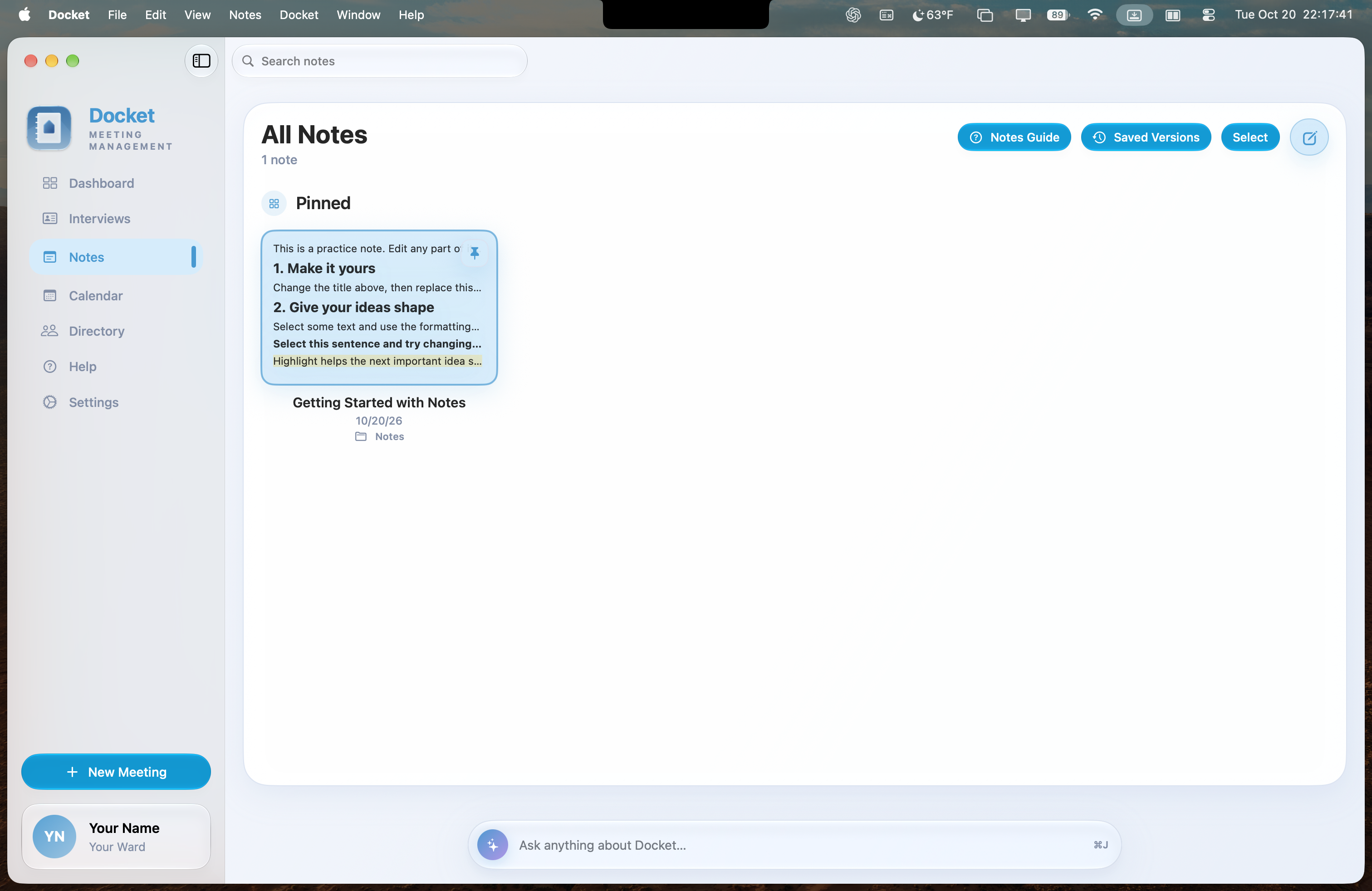
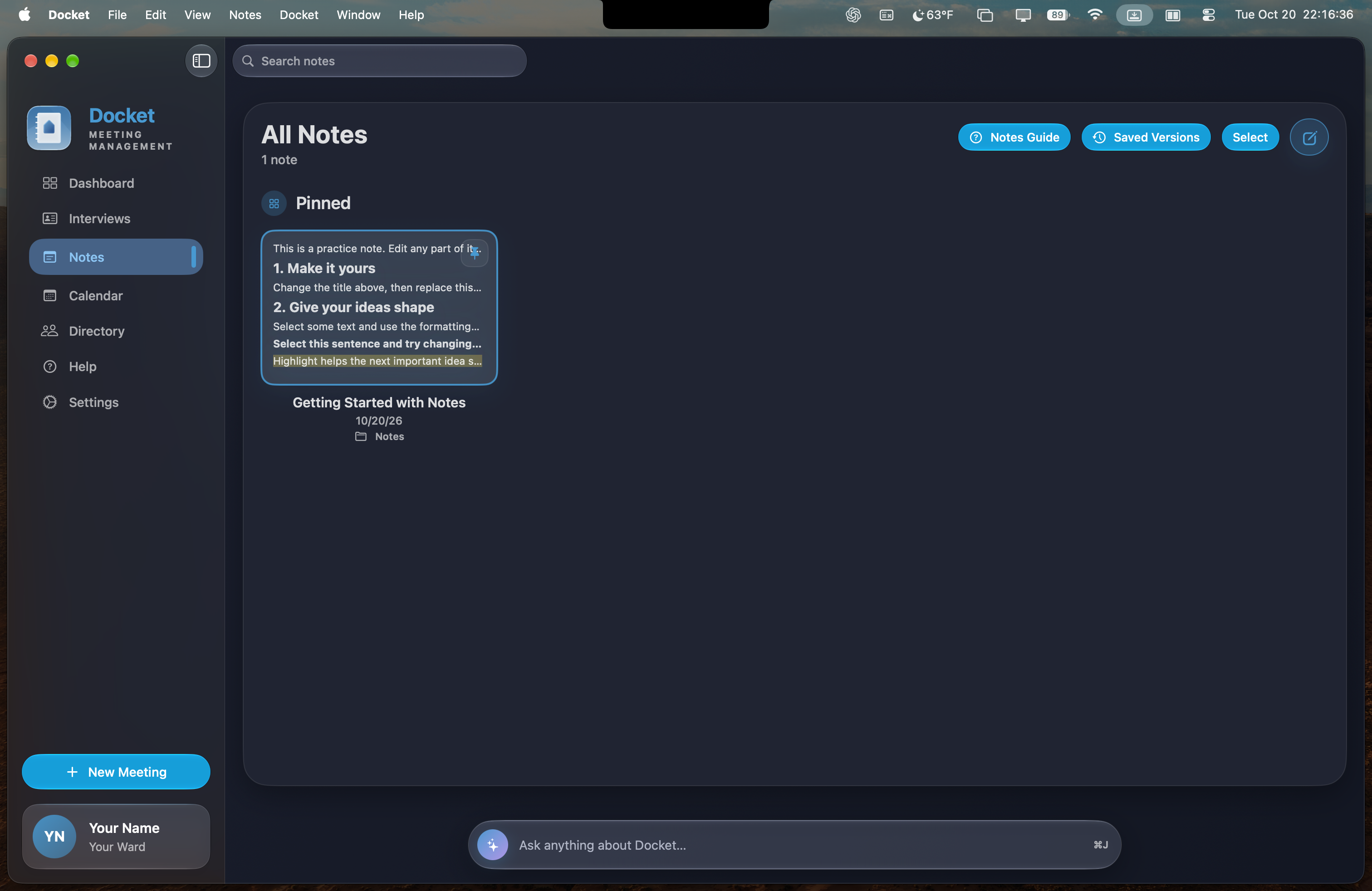
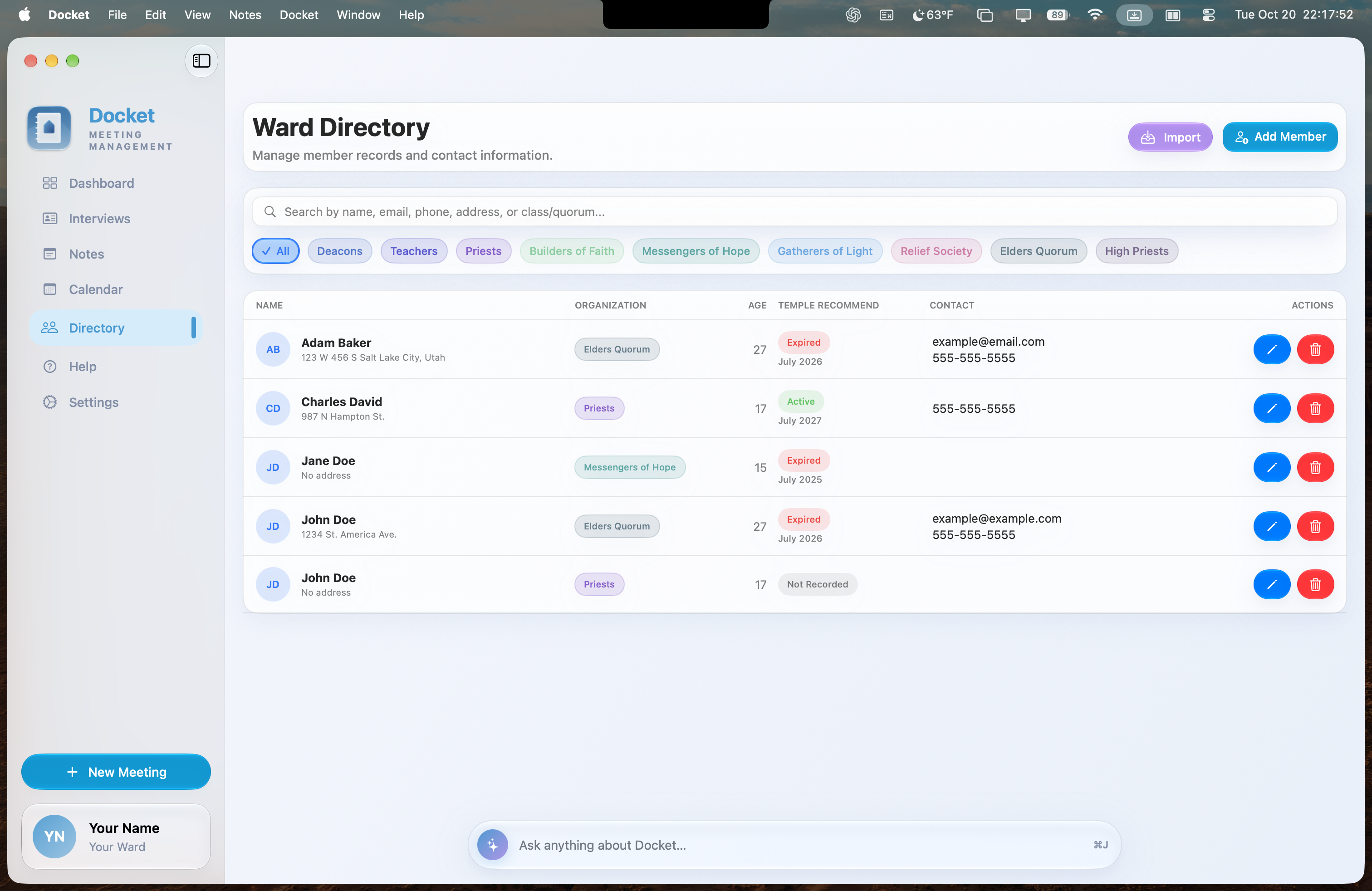
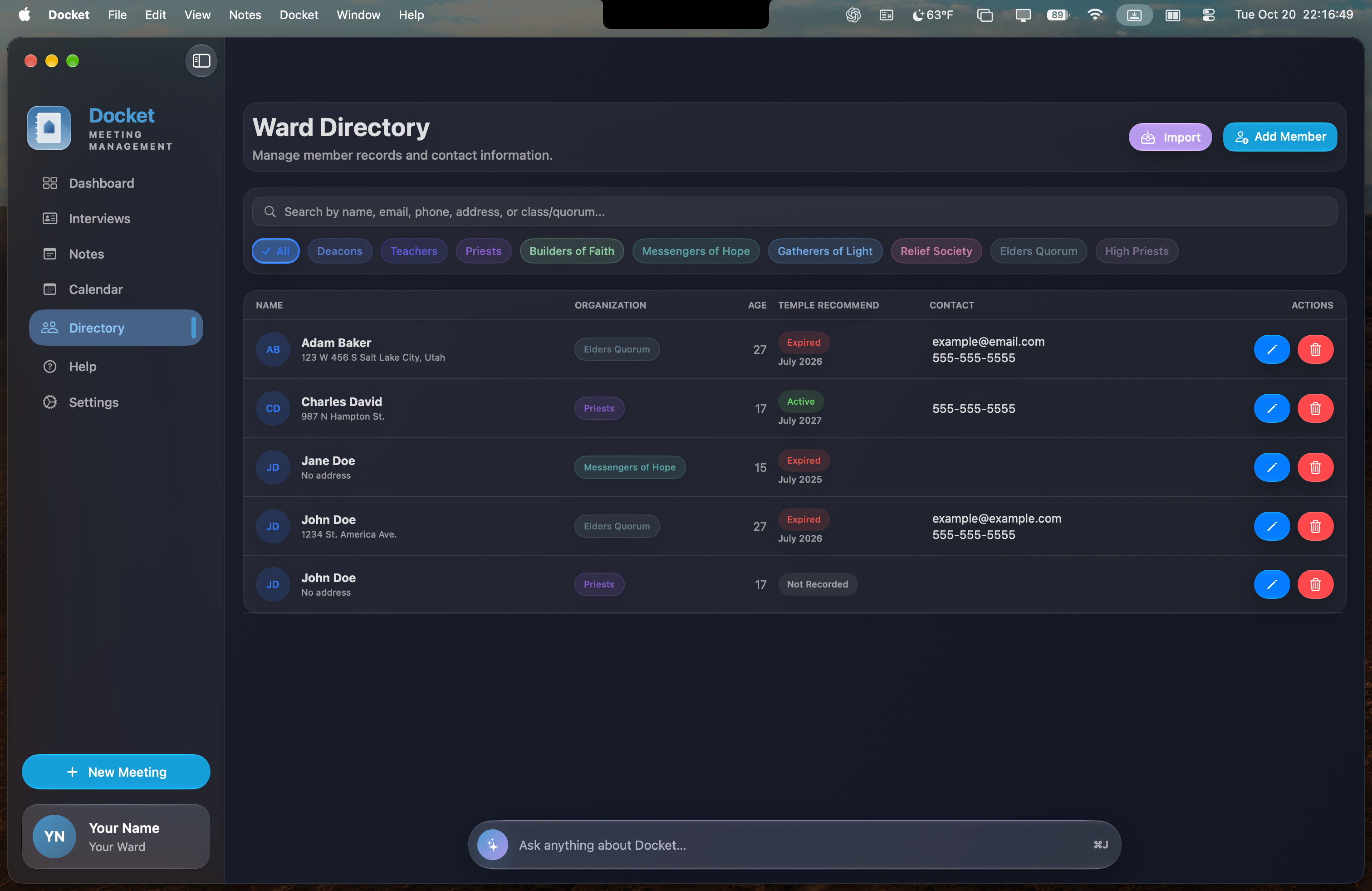
One working view for the administrative week
Bring priorities, interviews, calendars, member records, notes, and follow-up into one calm workspace.
See core features →Included freeAI Overview keeps the day understandable
Receive an optional on-device briefing grounded in the information already visible on your dashboard.
Learn about AI Overview →Included freeAsk Docket Assistant what needs attention
Use natural questions to find and understand the information already stored in Docket.
Meet Docket Assistant →Administrative clarity
that supports better care.
Designed for bishops, counselors, and executive secretaries, Docket brings preparation and follow-through into one thoughtfully organized Mac app.
Your information belongs on your Mac. Not ours.
Docket does not require an account, collect your records, track your activity, or send your administrative data to a developer-controlled server.
Read the privacy policy →
- ✓Stored locallyMember records, interviews, and notes remain on your device.
- ✓On-device intelligenceOptional assistance uses information already available on your Mac.
- ✓No account or analyticsNo login, tracking profile, advertising, or behavioral analytics.
Simple by design.
Clear from the start.
Who is Docket designed for?+
Docket is designed for bishopric members, including bishops, counselors, and executive secretaries who coordinate meetings, interviews, calendars, notes, and follow-up actions.
Is Docket free?+
Yes. Docket is free, including AI Overview and Docket Assistant on supported Macs.
Where is my information stored?+
Member records, interviews, and notes are stored locally on your Mac. Docket does not collect this information or store it on a developer-controlled server.
What does Docket require?+
Docket is a native Mac app and requires macOS 26 or later. Calendar features require permission to access the calendars you choose.
Everything in its place.
Everyone kept in view.
Prepare better, schedule faster, and follow through with confidence.